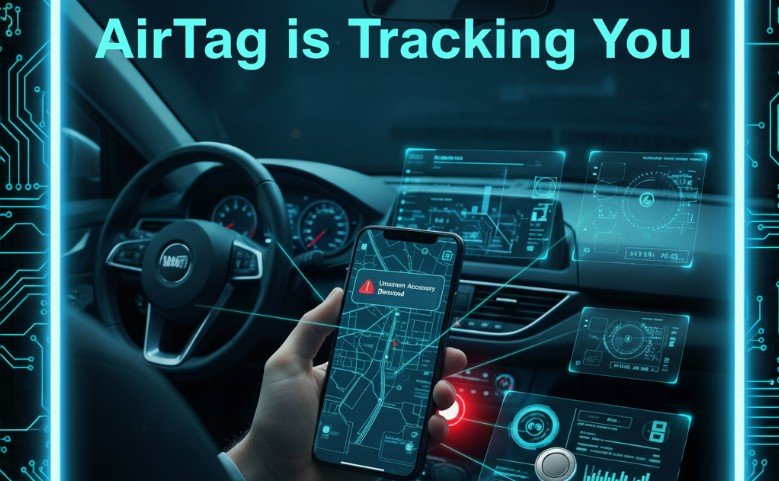
AirTags make it easier to find lost keys or bags, but they’ve also raised an important question: how do you know if an AirTag is tracking you?
Whether you use an iPhone or Android, Apple has built several protections to help you detect unwanted tracking. Still, understanding how these alerts work, and what steps to take afterward, is essential for your safety.
This guide breaks everything down in clear, practical steps. I’ll walk you through the signs to watch for, how each device detects unknown AirTags, what sounds the trackers make, and what you should do if you find one.
What Is an AirTag and How Does Tracking Work?
AirTags are small Bluetooth-enabled tracking devices that connect to Apple’s Find My network. Instead of having GPS built inside, they rely on nearby Apple devices to update their location anonymously.
This makes them powerful—and potentially misused—because millions of iPhones quietly help AirTags broadcast their position.
Apple has built several anti-stalking features into AirTags, but the responsibility still falls on users to recognize the warning signs.
How to Know If an AirTag Is Tracking You: Key Signs to Look For
If an AirTag that isn’t yours is moving with you over time, your device will try to alert you. The signs depend on whether you use an iPhone or Android.
Here are the most common indicators:
- A notification appears on your phone about an unknown AirTag
- The AirTag begins chirping or beeping unexpectedly
- You see the item listed under unrecognized devices in your tracking settings
- A manual scan shows a nearby AirTag separated from its owner
- You physically find the small circular AirTag hidden among belongings
Now let’s break it down by device.
How to Detect a Tracking AirTag on an iPhone or iPad

Apple devices provide the most robust AirTag detection tools. They run automatically in the background, so you don’t need to do anything special.
1. Watch for Automatic Alerts
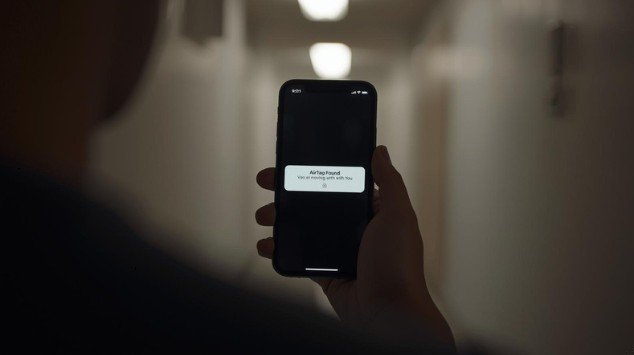
If an AirTag that doesn’t belong to you is traveling with you, your iPhone will display an alert such as:
Found AirTag Moving With You
or
Unknown Accessory Detected
These alerts usually appear after the AirTag has been near you for a while so accidental proximity doesn’t cause unnecessary warnings.
2. Check the Unknown Items Section in the Find My App
You can manually review potential tracking devices:
- Open the Find My app
- Tap the Items tab
- Scroll down and choose Unknown Items Detected With You
- Review the list for suspicious devices
If you tap on an item, you may be able to play a sound to locate it.
3. Listen for Chirping or Beeping
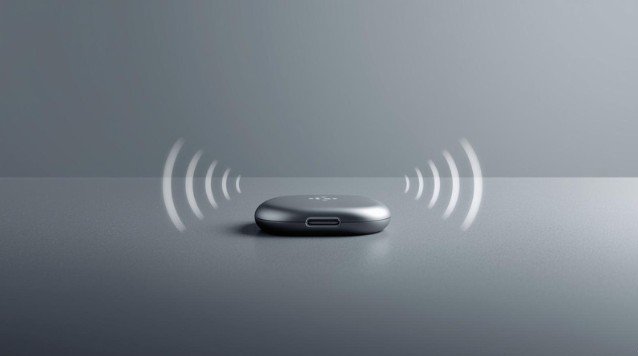
If an AirTag is away from its owner for 8 to 24 hours, it will begin playing a sound when it’s moved.
This noise is designed to help people notice hidden trackers.
4. Use Precision Finding (iPhone 11 or Newer)
If your iPhone supports Ultra Wideband:
- You may be able to track the exact distance and direction of the unknown AirTag
- Your screen will show arrows and distance indicators
This makes finding the AirTag significantly faster.
How to Detect a Tracking AirTag on an Android Device
Android doesn’t have built-in AirTag scanning for all models yet, but you still have clear detection options.
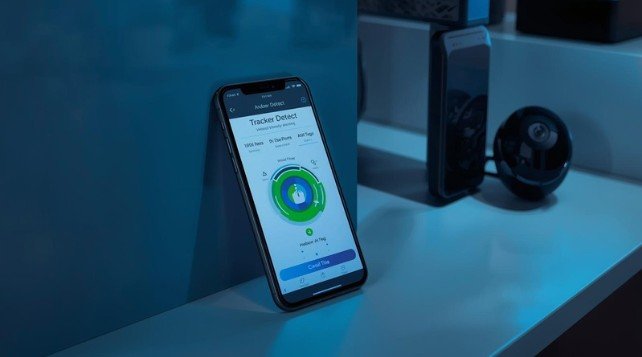
1. Use the Tracker Detect App
Apple created this app so Android users can scan for nearby AirTags.
How to use it:
- Download Tracker Detect from Google Play
- Open the app
- Tap “Scan”
- Wait for nearby trackers to appear
If the app detects an AirTag near you for at least 10 minutes, you’ll have the option to play a sound to help locate it.
2. Enable Unknown Tracker Alerts (Supported Android Devices)
Some newer Android phones include automatic alerts similar to Apple’s system.
To enable:
- Go to Settings
- Tap Safety & emergency
- Select Unknown tracker alerts
- Turn the feature on
If your device supports this feature, you’ll receive automatic warnings similar to iPhone users.
3. Listen for the AirTag’s Noise
Even if your phone misses the alert, the AirTag itself may still chirp after being separated from its owner long enough.
A repeating soft beeping sound is a clear sign something is wrong.
Quick Comparison: iPhone vs Android AirTag Detection
| Feature / Method | iPhone / iPad | Android |
| Automatic alerts | Yes (built-in) | Limited (select models only) |
| Manual device scan | Find My app | Tracker Detect app |
| Play sound on detected AirTag | Yes | Yes |
| Precision finding | Yes (iPhone 11+) | No |
| View AirTag details & serial number | Yes | No (unless using NFC) |
| Built-in anti-stalking protections | Strong | Moderate |
What To Do If You Find an AirTag Tracking You
Finding an unknown AirTag can be unsettling, but the steps to take are clear and straightforward.
1. Do Not Panic
Most AirTags detected by phones are truly lost rather than maliciously planted. Stay calm and investigate.
2. Use Your Phone to Learn More About the AirTag
iPhone users can view:
- AirTag serial number
- Last known location
- Travel history
- Information about the owner (if the owner marked it as lost)
Android users can tap the AirTag with NFC to see limited details.
3. Play a Sound and Find Its Physical Location
Follow the beeping to locate it inside:
- Bags
- Car wheel wells
- Coat pockets
- Luggage
- Seat cushions
- Clothing
4. Disable the AirTag
Once you find it:
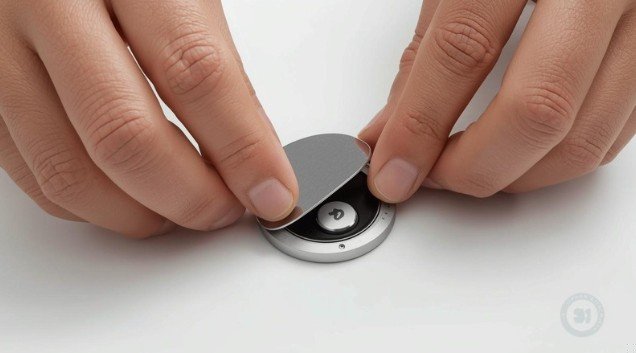
- Press down on the stainless-steel back
- Rotate counterclockwise
- Remove the battery
The AirTag is now off and cannot track you.
5. Contact Law Enforcement if You Suspect Stalking
If you feel unsafe:
- Do not destroy the AirTag
- Do not return it to the suspected owner
- Keep screenshots of alerts and serial numbers
- Contact police
AirTag misuse is illegal in most regions. Authorities can contact Apple to identify the owner through the serial number.
Additional Safety Tips to Protect Yourself
- Regularly check your belongings when in public or traveling
- Update your phone to the latest OS for improved AirTag detection
- Enable all safety alerts within device settings
- Avoid sharing your location publicly
- Review unknown notifications immediately
Apple and Google are working together on a cross-platform tracker alert standard to make detection even more reliable across both ecosystems.
FAQs About Detecting AirTags Tracking You
1. How long does it take for an AirTag to notify me that it’s tracking me?
iPhones typically notify users within hours. AirTags will also make a sound between 8 and 24 hours after being away from their owner.
2. Can someone track me in real time with an AirTag?
Not exactly. AirTags update their location when they pass near Apple devices. It’s not constant real-time GPS, but data updates can still be frequent.
3. Can an Android phone detect AirTags without installing an app?
Some newer Android models have built-in unknown tracker alerts, but many still require the Tracker Detect app.
4. What should I do if I find an AirTag but feel unsafe contacting the owner?
Disable the AirTag, save the serial number if possible, and contact local law enforcement immediately.
5. Do AirTags track location history?
Yes. If an unknown AirTag travels with you, your iPhone may show its recorded movement path after alerts appear.
Final Thoughts
Understanding how to know if an AirTag is tracking you is essential for personal safety in the age of smart devices. Whether you use an iPhone or Android, your phone can help detect unwanted tracking if you know where to look.
By paying attention to alerts, using available scans, and responding quickly when you find a tracker, you can stay in control of your privacy.
If you want help optimizing this article further or need a featured image prompt, you can ask anytime.